In this tutorial, we describe the procedure for starting the Viewer and previewing a sample project loaded into EffectMaker.
The basic procedure is given below.
To confirm effects using the Viewer, you must launch the Viewer in advance.
A batch file for launching Viewer is located in the directory in which it is installed.
For details on the how to use the Viewer, see the Viewer manual.
To start EffectMaker, double-click NW4C_EffectMaker.exe located in the folder.
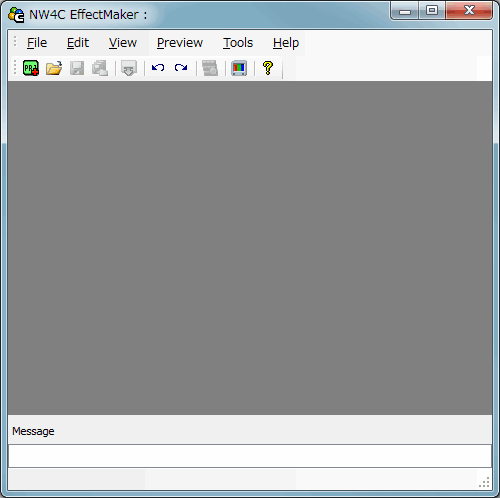
The following image is the main window displayed immediately after EffectMaker starts.
Here, we load a project prepared ahead of time. Project files are located in the folder given below.
" SampleData/Effect/Intermediate/Project/Sample.cepj "
The following methods are available for loading the project.
Select Arrow_Effect from the loaded sample project files and transfer to the Viewer.
You can transfer data to the Viewer using any of the following three methods.
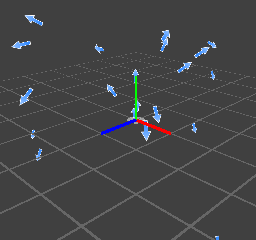
The following image shows Arrow_Effect after transfer to the Viewer.
Effects transferred to the Viewer can be deleted by closing the Project Window.
For a description of operations available on the Project Window, click here.
CONFIDENTIAL