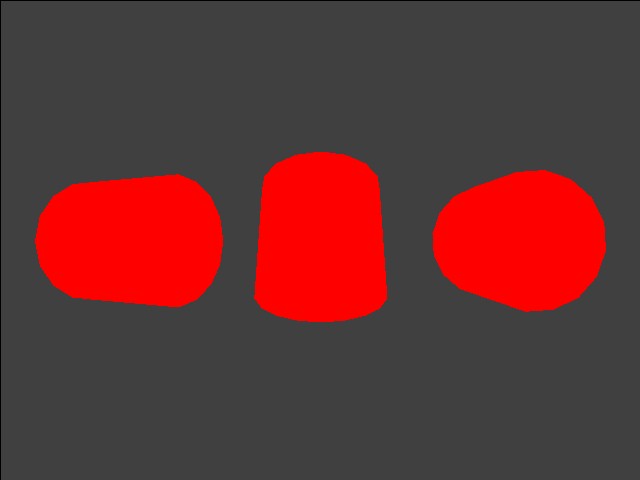
This program tests the basic lighting channel controls using one light positioned at the viewpoint and directed down the Z-axis. Three identical models are rendered, each rotating about a different axis. You can select any of the GXDraw* procedural models, change ambient and material register colors, and turn smooth shading on and off.
This test uses only the GX_COLOR0 channel.
| Functions | Parameters | Description |
GXSetChanCtrl |
Channel enable | Channel enable toggled ON/OFF. |
| Material color source | Always register source. | |
| Ambient color source | Always register source. | |
GXSetChanAmbColor |
Ambient color | Cycles through 6 colors. |
GXSetChanMatColor |
Material color | Cycles through 6 colors. |
The test prints a menu of choices.
The X/Y buttons navigate up and down in the menu.
The L and R Buttons cycle through states of the current menu item.
The A Button dumps the current state settings.
START exits the test.
Channel disabled, material=red, ambient=black, and model type is cylinder.
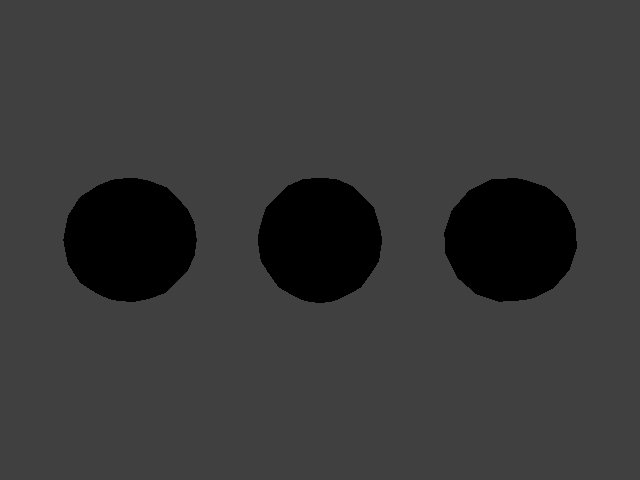
Channel enabled. material=black, ambient=white, and model type is sphere.
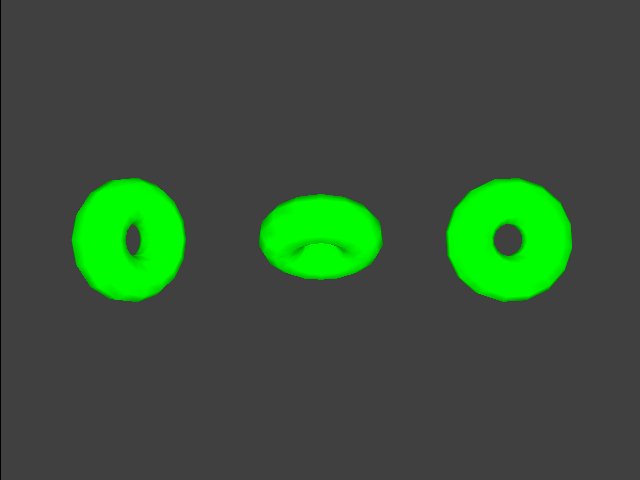
Channel enabled. material = green, ambient = gray, and model type is torus.
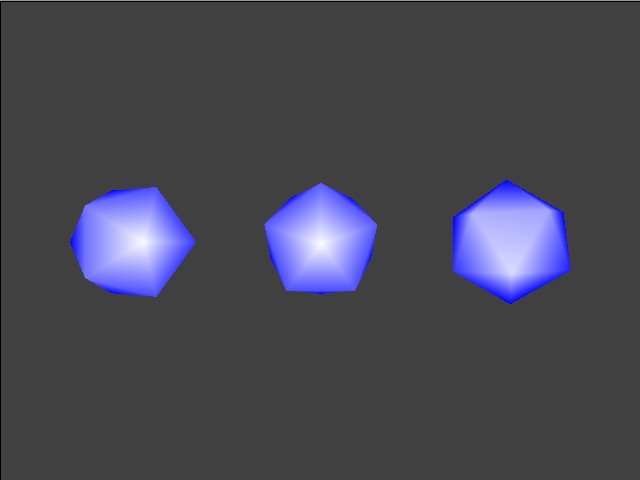
Channel enabled. material=white, ambient=blue, and model type is icosahedron.
None.
03/01/2006 Initial version.