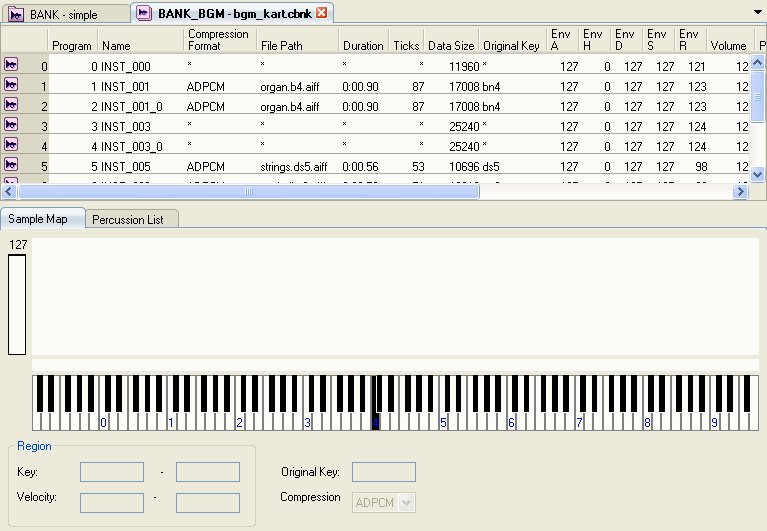
The Bank tab is the tab used by sequence sounds where sound data are edited.
The following methods are used to display the Bank tab.
- Select a Bank node from the Project tree and then double-click an index cell from the Bank List in the Sound Set tab.
- Right-click on the selected Bank item from the Bank List and then select Open File from the shortcut menu.
・ Expand the Bank node in the Project tree and double-click on a child node.
The Bank tab opens a tab for each bank file, but the content displayed in the tabs is always fixed (unlike the content of the Sound Set tab).
The Bank tab is used for editing bank (.cbnk) files. Add instruments to bank files and specify program numbers. Create instrument regions and specify envelopes.
CONFIDENTIAL