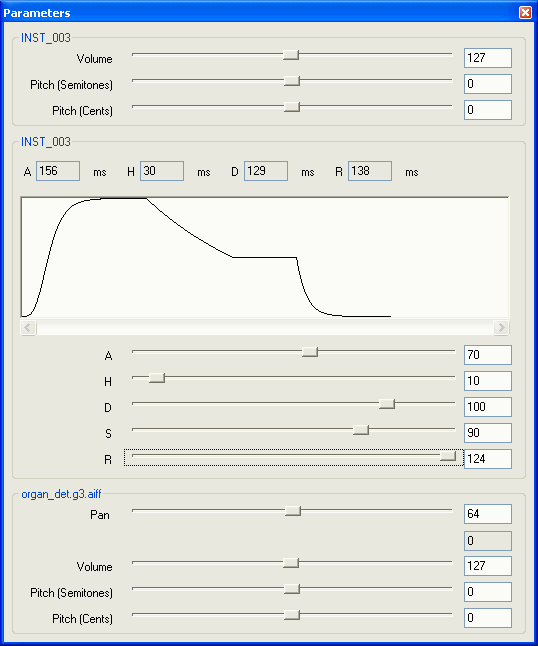
The Parameters panel is a special panel used to input envelope and pan values for a bank file.
The Parameters panel allows envelope and pan values to be adjusted using special sliders while displaying graphs for visual confirmation.
The Parameters panel operates in conjunction with the Bank tab.
The combined use of the instrument and percussion lists helps when setting the envelope and other parameters that are hard to imagine with just a numeric display.
By using the Parameters panel together with the Sample Map, it is possible to make envelope and pan specifications that cannot be edited on the Sample Map.
The Parameters panel is displayed as a floating dialog box that can be moved outside of the main window of SoundMaker.
CONFIDENTIAL