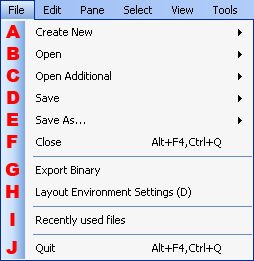
The File menu shows project and file commands.
Creates new layouts.
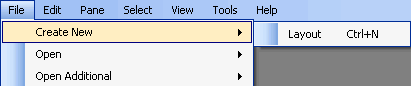
The only new files that can be created are layout files.
Opens the existing layout file.

The only type of file that can be selected is a layout file.
Adds the existing layout file to the current layout and opens it.
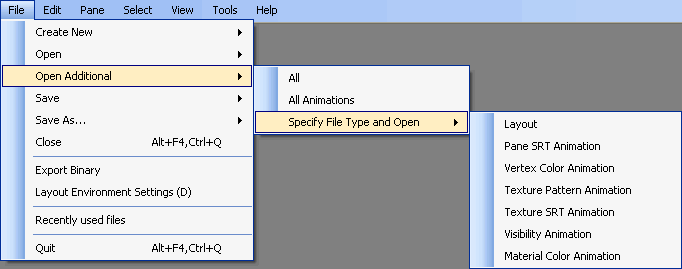
The only types of files that can be selected are layouts and various types of animations.
Specifies a file type and saves the layout file.

The only types of files that can be selected are layouts and various types of animations.
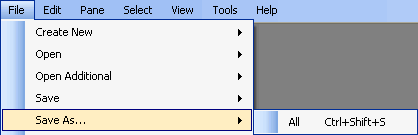
Renames the layout file and saves it.
Closes the layout.
Closes the Binary File Output Dialog Box.
Closes the Layout Settings Dialog Box.
Opens recently used files.
Closes all layout files and exits the application.
CONFIDENTIAL