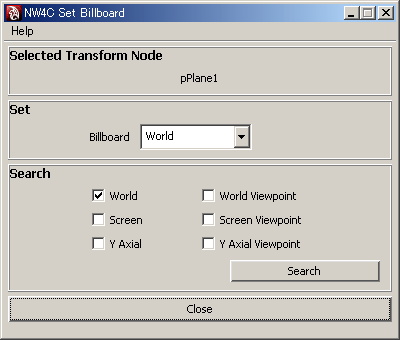
Sets a billboard for transform nodes and joint nodes. Note, however, that these attributes are not reflected on the Maya screen. It is also possible to search for settings.
To display the window, click NW4C → NW4C Set Billboard.
Selected transform nodes and/or joint nodes are displayed in the Selected Transform Node field. If four or more nodes are selected, display is skipped and the number of nodes selected is displayed on the right.
Billboard Coordinates
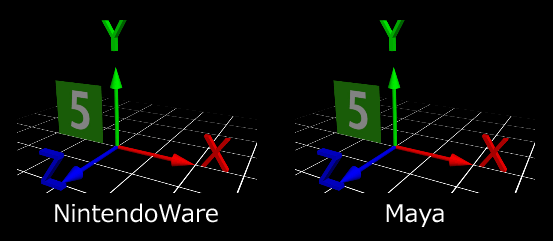
The billboard feature is suitable for use when the z direction of local coordinates for a node is being used for the view direction.
Setting Attributes
When a transform node or joint node is selected (multiple selections are possible), the current setting for the selected node is displayed in the Set field. If multiple selections were made, the setting for the node selected first is displayed.
Billboard mode can be changed by clicking the combo box. It is possible to make multiple selections and change all selected nodes at once.
Searching for Attributes
Clicking on the Search button when the checkbox for the Search field has been checked will select the corresponding transform nodes and joint nodes. If multiple check boxes have been selected, a search is made for nodes that satisfy any of the settings.
CONFIDENTIAL