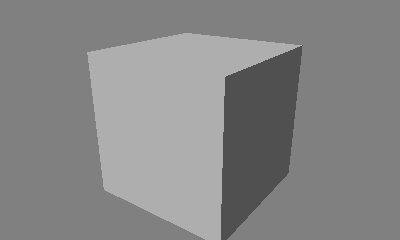
LowLayerDemo
Overview
Indicates the method used to display models without using a scene graph.
How to Use
- Demo-specific operations
- Common Operations
- Slide pad: Rotate the camera
- Slide pad + A Button: Move the camera back and forth
- Slide pad + B Button: Move the camera in parallel
- Slide pad + Y Button: Move the camera up and down
- X Button: Reset the camera position
- START Button: Restart the demo.
Description
Although the graphics library demo uses the scene graph feature and demo library rendering system, particles are displayed without using these features when using LowLayerDemo.
CONFIDENTIAL