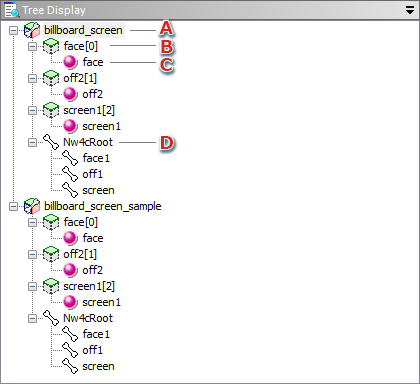
Shows the hierarchical structure of a model and the nodes included in that model (bone, mesh, material) in the form of a tree view.
In Tree View mode, you cannot select more than one object at a time.
When a material is shared by multiple nodes, it is displayed for each node item.
When you right-click on Tree View, a context menu displays with the following menu items:
In Tree View, this menu is displayed when a model has been selected.
Toggle whether or not to display the model on the Viewer.
This displays only when an object has been selected.
Selecting this menu item opens the corresponding Property window.
CONFIDENTIAL