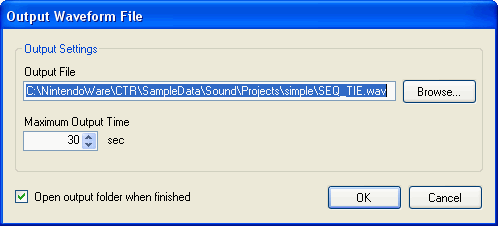
Each type of sound in the project can be output as a waveform file.
The following types of sounds can be output.
Select a sound from a list in the sound set tab and select Preview → Output Waveform File.
The Output Waveform File dialog box appears. Specify information such as output filename and maximum output time, and click OK to output the waveform file.
The same operation can be performed by selecting Output Waveform File from the shortcut menu on the list.
Multiple files to output can be selected.
The waveform file is output as a 16-bit/32 KHz, stereo wav file.
Although waveform can be output more quickly than the Hard disk recording feature, the effects are not reflected.
CONFIDENTIAL