AnimationDemo
Overview
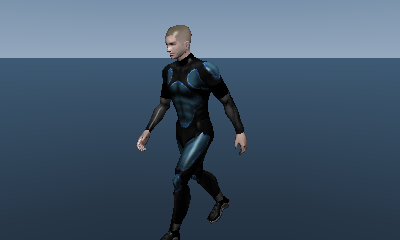
This demo displays an animation. Demonstrates the basic way animations are used.
How to Use
- Demo-specific operations
- Left and Right buttons on the +Control Pad: Change the playback speed
- Common Operations
- Circle Pad: Rotate the camera
- Circle Pad + A Button: Move the camera back and forth
- Circle Pad + B Button: Translate the camera
- Circle Pad + Y Button: Move the camera up and down
- X Button: Reset the camera position
- START Button: Restart the demo
Description
For information on basic methods of using animations and related precautions, see Basic Features
CONFIDENTIAL