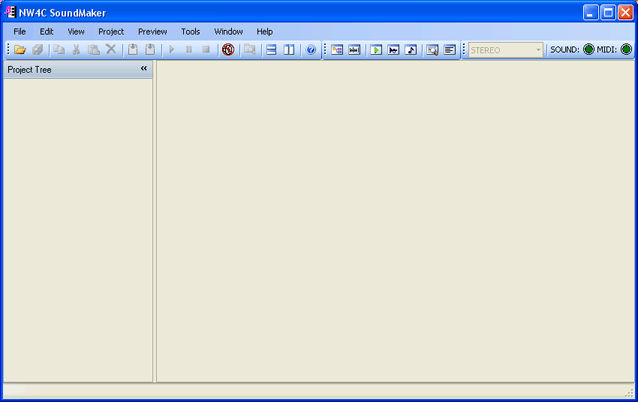
The main window is the window that appears immediately after SoundMaker launches.
This window is the working area for SoundMaker, where you can switch among panes and tabs for various tasks.
The Start SoundPlayer, Connect to Viewer, and Disconnect from Viewer buttons in the toolbar are permanently disabled in the current version of the tool.
A status bar is located at the bottom of the main window.
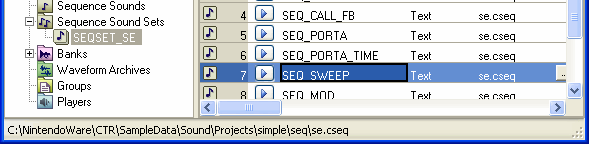
This part shows the file path at which the following files are actually located: the project file that corresponds to the item selected in SoundMaker and the waveform file referenced by that item.
The following locations are referred to in this path.
Project Tree
- Project node
- Sound Set node
Sound Set Tab
- Stream Sound List
- Wave Sound List
- Sequence Sound List
- Bank List
Bank Tab
- Instrument List
- Sample Map
- Percussion List
CONFIDENTIAL