
Preview Player is the pane on SoundMaker for sending the settings to check sounds on the actual hardware. Its operations correspond to the Play pane for Viewer and SoundPlayer.
When the data are played by Preview Player, the sounds are played by PC emulation or by Viewer if connected to Viewer.
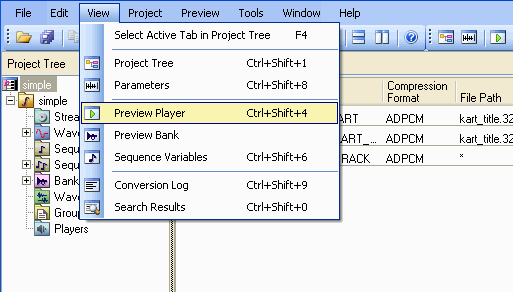
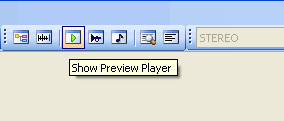
You can open (activate) the Preview Player pane by selecting View > Preview Preview or by clicking the Show Preview Player button in the toolbar.
The CTRL+SHIFT+4 shortcut can also be used for this operation.
The Preview Player pane appears as a docking window in the lower pane of the main window.
To make the Preview Player window float, dock, or hide, select Floating, Docking, or Hide in the Preview Player tab at the bottom of the window or from the title bar's shortcut menu.
You can also toggle between Floating and Docking by double-clicking the title bar.
When displaying as a docking window, you can minimize its display by clicking the Minimize icon on the right side of the title bar or by double-clicking the splitter.
Below is an explanation of the ways that sounds can be registered and replaced in the Preview Player play list.
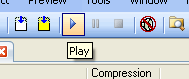
Hold down the Play, Pause and Stop buttons to check sounds that have been registered to the playlist.
Hold down the Loop button to play the sound back as a loop. Click the button to toggle that setting on and off.
CONFIDENTIAL