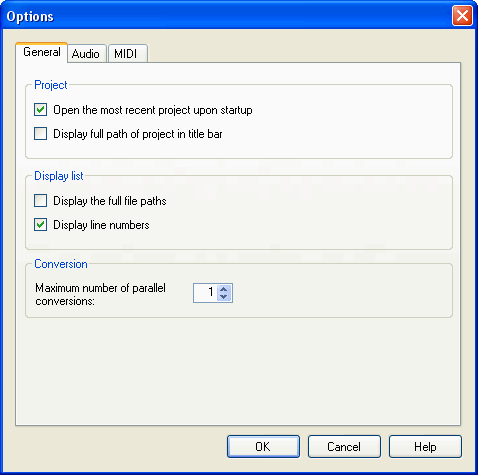
The Options dialog box is used to specify operation settings for SoundMaker overall.
Select File > Options.
The Options dialog box has tabs. Select the category you want to make settings for using these tabs.
The settings for each category are described below.
Use this option here to set whether SoundMaker starts by opening the project that was was-last closed in the Project area.
If this option is selected, the project that was opened when the application was last exited will be loaded automatically when it is started up the next time.
You can also select here whether to show the full path for the project name in the title bar.
The Display list area allows you to specify whether to display line numbers and full paths for reference files.
The Convert area allows you to specify the number of maximum conversions that can be run in parallel.
(Conversion operations can be run in parallel for sounds that don't have any mutual dependencies.) The number of processes can be set to any value between 1 and 99.
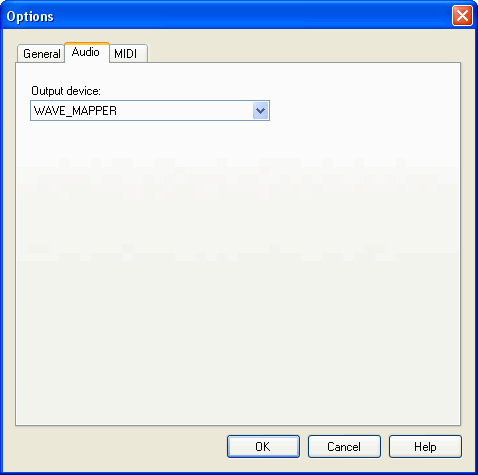
Used to select the audio output device used for PC emulation output.
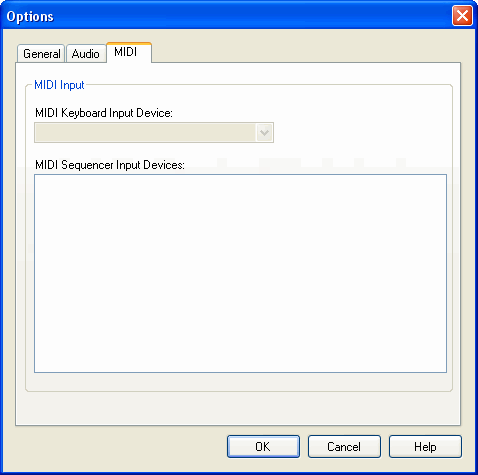
Used to select which MIDI keyboard and MIDI sequencer SoundMaker should use for signal input.
MIDI signals that are input from the device set in the MIDI Keyboard Input Device field will be played back using the active bank in the Bank tab.
Only one keyboard can be selected.
MIDI signals that are input from the device set in the MIDI Sequencer Input Devices field will be played back using the banks in the Preview Bank window.
Multiple sequencers can be selected.
CONFIDENTIAL