Sample
This page describes an overview of sample data included with CreativeStudio in list format.
Sample data cannot be used for applications other than as samples.
Confirming Sample Data
The following procedure can be used to confirm sample data prepared in intermediate file format.
- Launch CreativeStudio.
- Load sample data into CreativeStudio.
See the description list as the location in which loaded sample data is placed differs. - Samples are displayed on the CreativeStudio Preview panel.
Use the corresponding 3D computer graphics tool to load 3D modeling sample data.
Sample Data List
Sample data for graphics and effects have been prepared for CreativeStudio.
For graphics, intermediate files and 3D computer graphics tool sample data are included.
Graphics (Intermediate Files)
The location of sample data for graphics (intermediate files) and a brief overview are given below.
Location
" %NW4C_ROOT%/SampleData/Graphics/Intermediate/[sample_data_name_folder]"
Table 1. List of Intermediate File Sample Data
| Data | Image | Description |
|---|---|---|
| human | 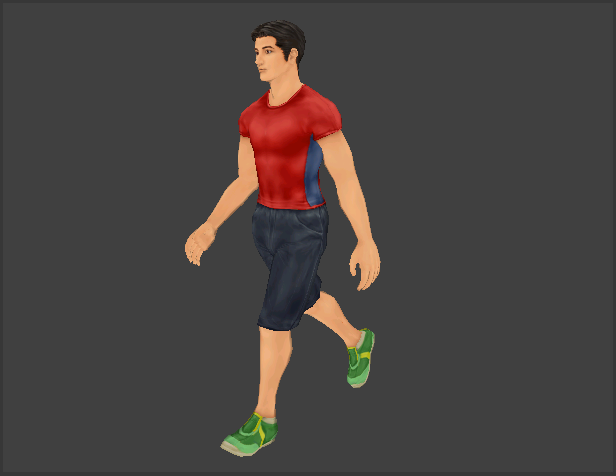 |
This human_walk model includes skeletal animation. When confirming with CreativeStudio, all of the following intermediate files in the folder are loaded simultaneously. ・human_A.ctex, human_walk.cmdl and human_walk.cskla human_run.cskla has also been prepared for animation. The model animation runs if this file is loaded instead of human_walk.cskla. |
| Male | 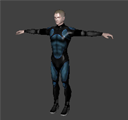 |
The human_lite_walk model includes skeletal animation. (This model has been created with less data than the human_walk model mentioned above.) When confirming with CreativeStudio, all of the following intermediate files in the folder are loaded simultaneously. ・male_A.ctex, male_walk.cmdl and male_walk.cskla male_run.cskla has also been prepared for animation. The model animation runs if this file is loaded instead of male_walk.cskla. |
| material_sample | 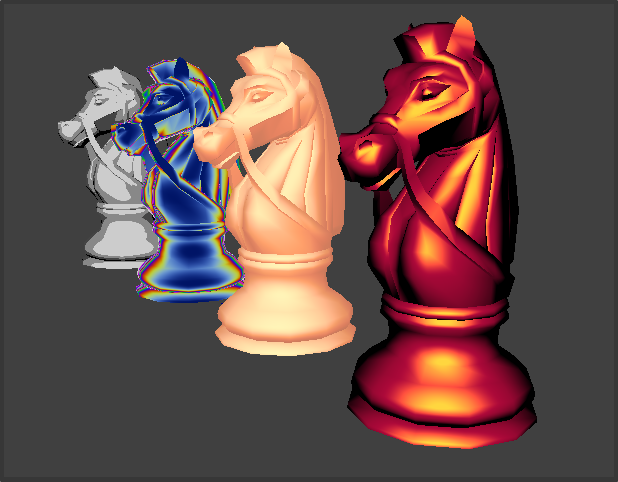 |
This is a knight chess piece expressed with four different textures. Different textures are expressed by using the lookup tables already prepared for CreativeStudio. When confirming with CreativeStudio, each .cmdl intermediate file in the folder is loaded. material_sample_lutset.cmdl is a lookup table intermediate file that must be loaded at the same time as the model intermediate files. |
| texture_combiner_sample | 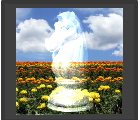 |
Models created using the Texture combiners and the texture to be used have been prepared. When confirming with CreativeStudio, each .cmdl intermediate file in the folder is loaded. |
Intermediate Files for the Tutorial
Location
" %NW4C_ROOT%/SampleData/Graphics/Intermediate/tutorial/[sample_data_name_folder]"
Table 2. List of Intermediate File Sample Data for the Tutorial
| Data | Image | Description |
|---|---|---|
| toy_block ・toy_mt ・toy_t |
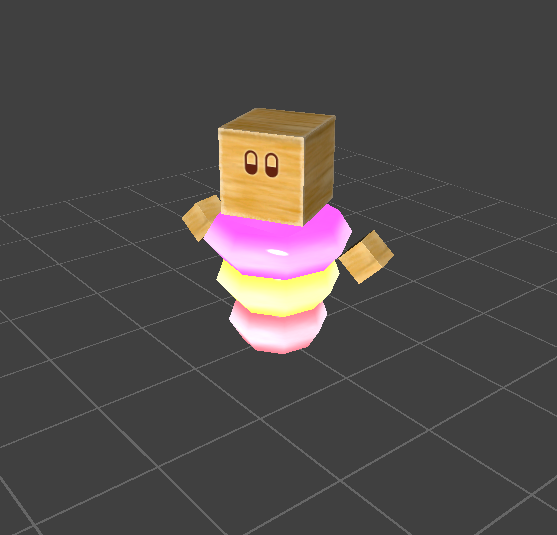 |
A material animation has been configured for toy_mt of toy_block. When confirming with CreativeStudio, the following intermediate file in the folder is loaded. ・toy_mt.cres |
 |
A moving skeletal animation has been configured for toy_t of toy_block. When confirming with CreativeStudio, the following intermediate file in the folder is loaded. ・toy_t.cres |
|
| toy_book | 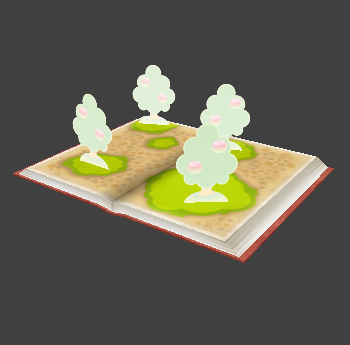 |
A fog has been configured for the trees included in the scene for toy_book. When confirming with CreativeStudio, the following intermediate file in the folder is loaded. ・toy_book.cres |
| toy_butterfly |  |
For toy_butterfly, "translate," "rotate," and "texture pattern animation" have been set to represent a butterfly flying about in a wooden frame. When confirming with CreativeStudio, the following intermediate file in the folder is loaded. ・toy_butterfly.cres |
| toy_mobile | 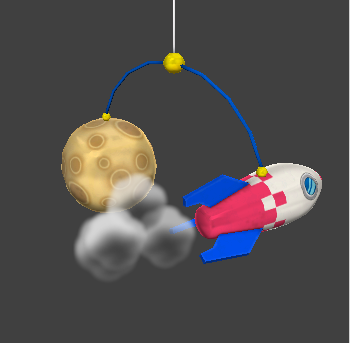 |
With toy_mobile, particle-related features are used to make effects track the model being animated. When confirming with CreativeStudio, the following intermediate files in the folder are all loaded. ・Toy_Mobile.cres / Toy_MobileAction.cact / Toy_MobileEffect.cres |
| toy_pig | 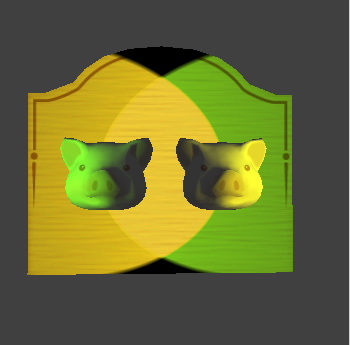 |
With toy_pig, different lights are set for multiple models in the scene using the scene environment feature. When confirming with CreativeStudio, the following intermediate file in the folder is loaded. ・Toy_Pig.cres |
| toy_popupbook | 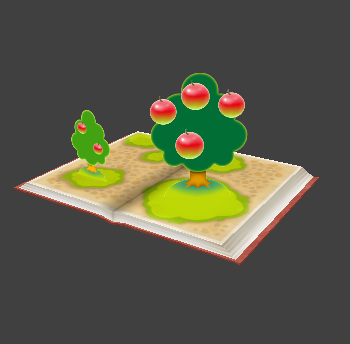 |
With toy_popupbook, a world billboard has been set for the apples, and a Y-axis billboard for the trees. When confirming with CreativeStudio, the following intermediate file in the folder is loaded. ・toy_popupbook.cres |
Graphics (3D Computer Graphics Tool)
The location of sample data for graphics (3D computer graphics tools) and a brief overview are given below.
Currently, only Maya sample data has been prepared.
Location
" %NW4C_ROOT%/SampleData/Graphics/DccPlugin/Maya/[sample_data_name_folder]"
Table 3. List of Maya Sample Data
| Data | Image | Description |
|---|---|---|
| toy_block | |
Toy_Mt is the toy_block model with material color animation applied. This represents Maya sample data. ・Toy_mt.mb |
|
Toy_t is the toy_block model with moving skeletal animation applied. This represents Maya sample data. ・Toy_T.mb |
|
| toy_butterfly | |
This is the Toy_Butterfly model with a texture pattern animation set for the butterfly in the wooden frame to represent flapping wings. This represents Maya sample data. ・Toy_Butterfly.mb |
| toy_mobile | |
This toy_mobile model includes an animation for rotating the rocket and the star, a light color animation, and a camera animation. |
| toy_popupbook | |
With toy_popupbook, a world billboard has been set for the apples, and a Y-axis billboard for the trees. This represents Maya sample data. |
Effect
The location of effect samples and a brief overview are given below.
Location
" %NW4C_ROOT%/SampleData/Effect/Intermediate/[sample_data_name_folder]"
Table 4. List of Effect Sample Data
| Data | Image | Description |
|---|---|---|
| arrow_particle |  |
This arrow effect uses particles. The resulting expression draws parabola using a mirror feature for 1/2 arrow texture and directional animation. When confirming with CreativeStudio, the following intermediate file in the folder is loaded. ・arrow_particle.cptl / arrow01.ctex |
| defoliation_particle | 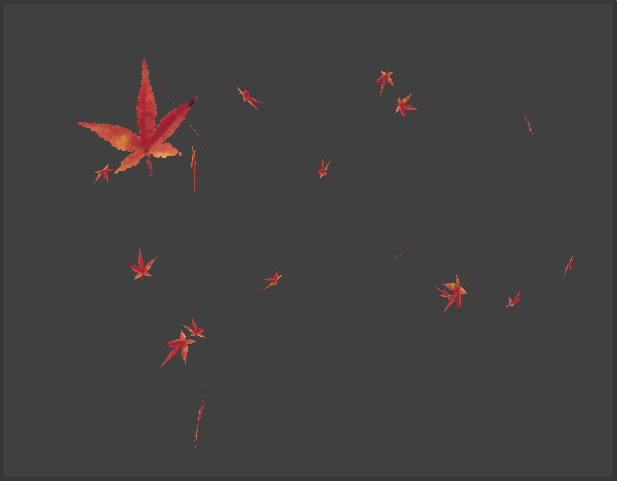 |
This falling leaves effect uses particles. This effect expresses maple leaves softly fluttering down by rotating particles around the X, Y and Z axes. When confirming with CreativeStudio, the following intermediate file in the folder is loaded. ・defoliation_particle.cptl |
| fire_particle | 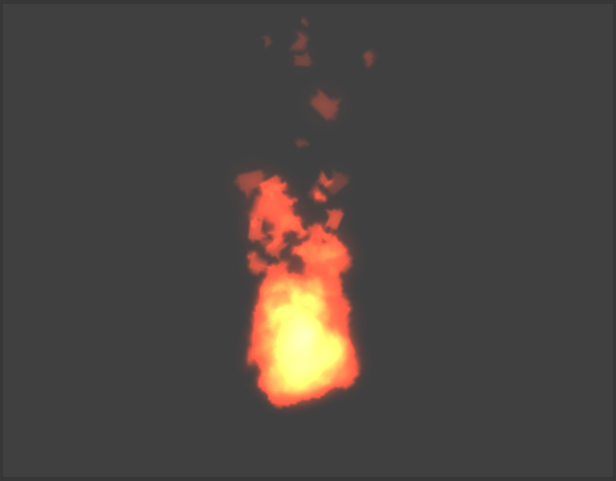 |
This fire effect uses particles. This effect expresses a burning fire by combining a texture pattern animation with gravity settings. When confirming with CreativeStudio, the following intermediate file in the folder is loaded. ・fire_particle.cptl |
| fountain_particle | 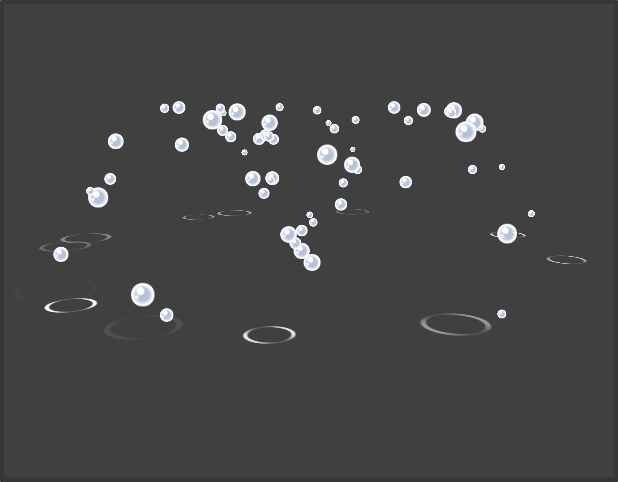 |
This fountain effect uses particles. This effect expresses gushing water by setting a Y-axis diffuse. Child particles are also set to call up ripples when water splashes. When confirming with CreativeStudio, the following intermediate file in the folder is loaded. ・fountain_particle.cptl |
| light_particle |  |
This light effect uses two particles. This effect expresses the spreading and flickering of the light by setting a scale animation. When confirming with CreativeStudio, the following intermediate file in the folder is loaded. ・light_particle.cptl |
| smoke_particle |  |
This smoke effect uses particles. This effect expresses smoke that spreads evenly and then fades away by using an even distribution setting for the emitter and a pattern animation. When confirming with CreativeStudio, the following intermediate file in the folder is loaded. ・smoke_particle.cptl |