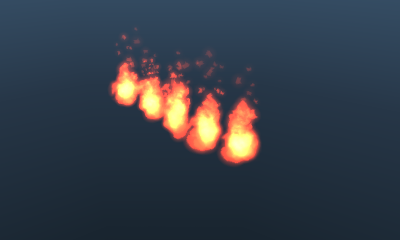
ParticleMultiEmitterDemo
Overview
This demo assigns more than one emitter to a single particle emitter.
How to Use
- Demo-specific operations
- Common Operations
- Slide pad: Rotate the camera
- Slide pad + A Button: Move the camera back and forth
- Slide pad + B Button: Move the camera in parallel
- Slide pad + Y Button: Move the camera up and down
- X Button: Reset the camera position
- START Button: Restart the demo.
Description
This demo positions more than one particle emitter for a signle particle model (particle set).
Although the degree of freedom is lower compared to ParticleMultiModelDemo, it is beneficial in terms of rendering speed and memory usage.
CONFIDENTIAL