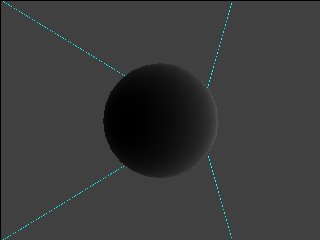
This program tests the unclamped diffusion function. You can control the scale of the diffusion function by changing the light and ambient color to control the bias.
| Functions | Parameters | Description |
GXInitLightPos |
Position coordinate (x, y, z) | Various values. |
GXInitLightColor |
Light color | Various values. |
|
Color channel ID | Always GX_COLOR0 |
| Channel enable | Always GX_ENABLE |
|
| Ambient color source | Always register source | |
| Material color source | Always register source | |
| Light mask | Always GX_LIGHT0 |
|
| Diffusion function | GX_DF_CLAMP / GX_DF_SIGN |
|
| Attenuation function | Always GX_AF_NONE |
|
|
Ambient color | Various values. |
|
Material color | Various values. |
START exits the test.
The Control Stick moves the light.
The C Stick rotates the model.
The A Button changes the model.
The B Button toggles the diffusion function (clamped/unclamped).
The X/Y Buttons select an item to be controlled in the following order: Ambient, Light, Material.
The L/R triggers change the brightness value of the selected item. This value is used as the R/G/B value of the selected item.
Looks at a sphere from an angle opposite that of the light with the unclamped diffuse function.
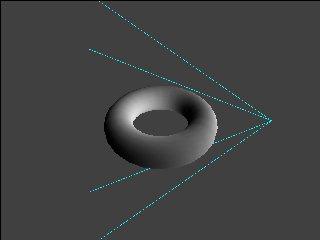
Looks at a torus from an angle perpendicular to that of the light with the unclamped diffuse function.
None.
2006/03/01 Initial version.
CONFIDENTIAL