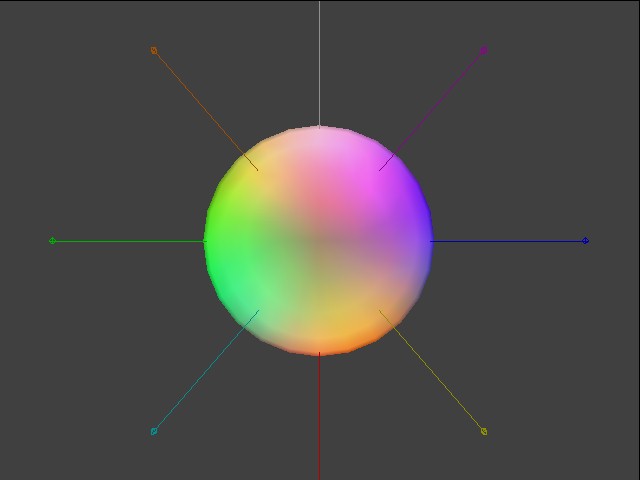
This program does a test for multiple lights and light masks. Eight lights move around the model. All lights are used simultaneously in one color channel. You can control the position of each light and enable or disable each individual light.
This test applies all combination patterns of light mask parameters.
| Functions | Parameters | Description |
GXInitLightPos |
Position coordinate (x, y, z) | Various values. |
GXInitLightColor |
Light color | Four colors. |
GXLoadLightObjImm |
Light ID | GX_LIGHT0 ~ GX_LIGHT7. |
GXSetChanCtrl |
Color channel ID | Always GX_COLOR0. |
| Channel enable | Always GX_ENABLE. |
|
| Ambient color source | Always GX_SRC_REG. |
|
| Material color source | Always GX_SRC_REG. |
|
| Light mask | All possible combinations. | |
| Diffusion function | Always GX_DF_CLAMP. |
|
| Attenuation function | Always GX_AF_NONE. |
|
GXSetChanAmbColor |
Color channel ID | Only GX_COLOR0A0. |
| Ambient color | Only one color. | |
GXSetChanMatColor |
Color channel ID | Only GX_COLOR0A0. |
| Material color | Cycles through 4 colors. |
START exits the test.
The L and R Buttons select a light.
The Control Stick moves the selected light.
The C Stick rotates the model.
The A button toggles the selected light on and off (if a light is selected).
The X button stops and starts light animation.
The Y button changes the material color of the model.
The B button changes the model shape.
All lights turned on.
Four lights (GX_LIGHT4-7) are enabled. Others are disabled.
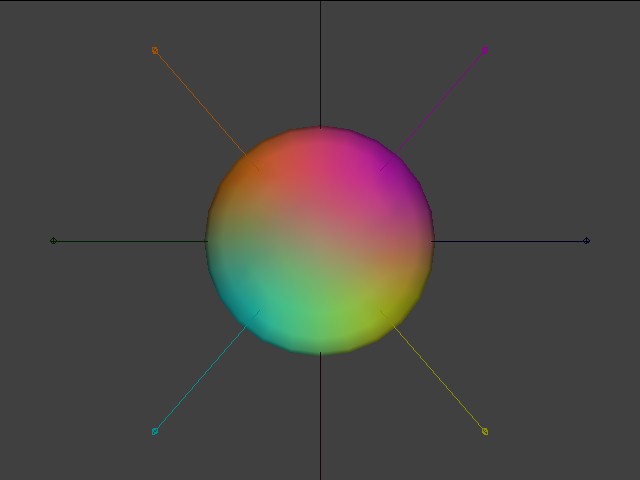
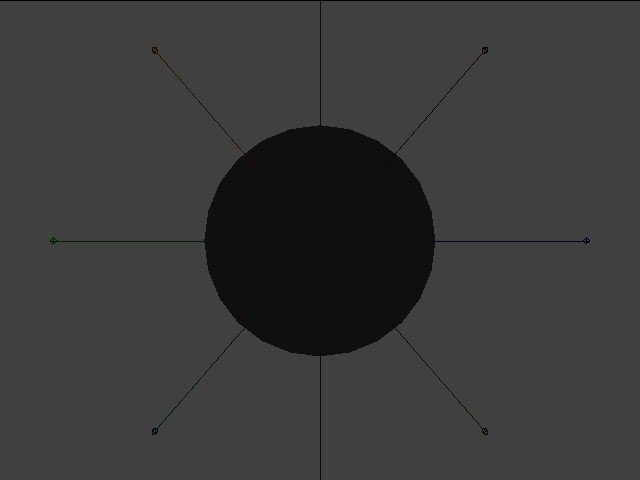
No light is enabled.
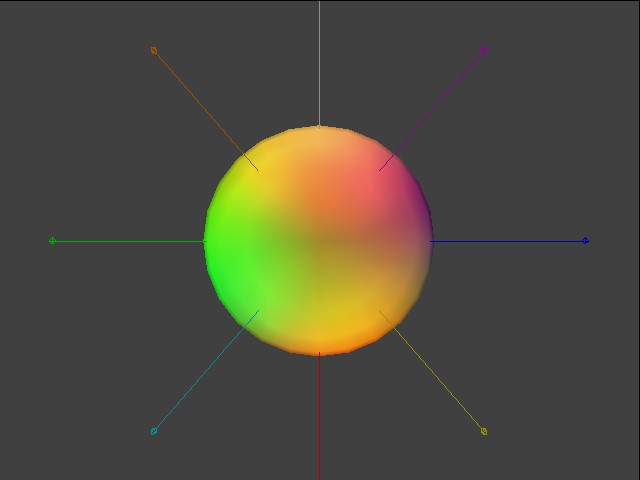
All lights turned on. Since bright yellow is used as the material color, the blue component is weakened.
None.
2006/03/01 Initial version.
CONFIDENTIAL