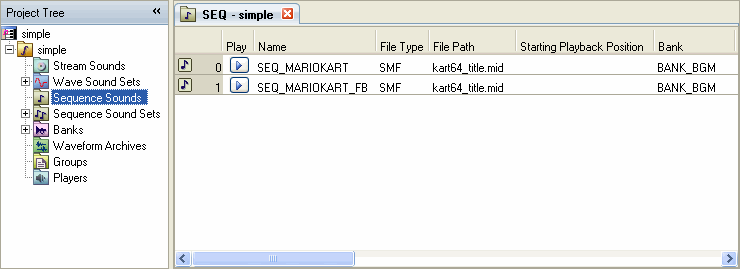
Sequence sounds are created and edited from the Sequence Sound List in the Sound Set tab.
Double-click the Sequence Sound node in the project tree (or single-click if the Sound Set tab is open). The Sequence Sound List then appears in the Sound Set tab.
To create a sequence sound, select the Sequence Sound list and select Project → Add Item → Sequence Sound....
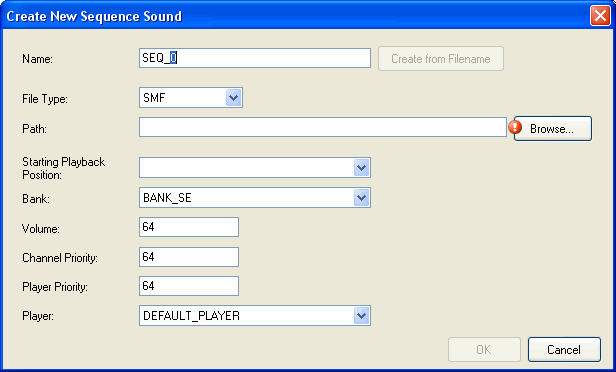
The Create New Sequence Sound dialog box appears. Enter the required information.
If you specify a file in the path, the Create from Filename button becomes active.
CONFIDENTIAL