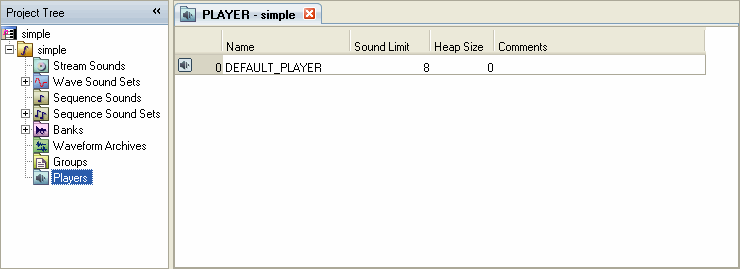
All sounds created by SoundMaker are managed by a mechanism called a Player when they are finally played back by an application using the snd library.
Players are created by SoundMaker. Some kind of Player settings are necessary for all sounds. A Player must therefore be prepared ahead of time when creating new sounds for a newly created Sound Project or sound set.
Players are created and edited using the Player list on the Sound Set tab.
Double-click the Player node in the project tree (or single-click if the Sound Set tab is open). The Player List then appears in the Sound Set tab.
Display the Player List in the Sound Set tab, click in the Player List region to change the focus to the list, and then from the menu, select Project → Add Item → Player....
The Create New Player dialog box appears. Enter the required information.

CONFIDENTIAL