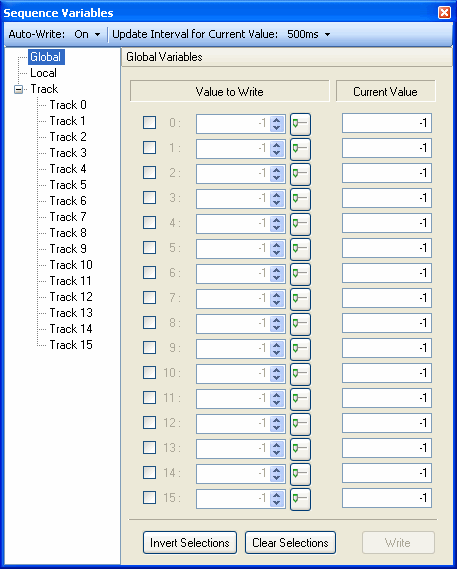
Sequence Variables is the window for PC emulation playback on SoundMaker. Its operations correspond to the SeqVariable window of Viewer and SoundPlayer.
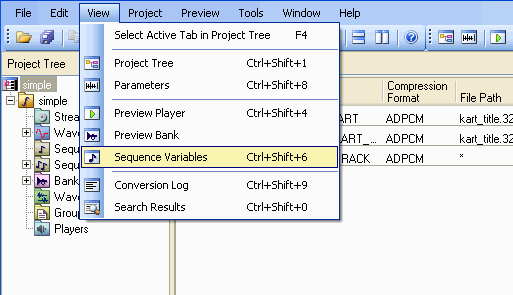
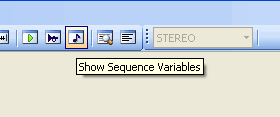
Open (activate) the Sequence Variables window by selecting View > Sequence Variables, or by clicking the Show Sequence Variables button in the toolbar.
The CTRL+SHIFT+6 shortcut can also be used for this operation.
You can set whether or not to automatically write changes by configuring the Auto-write item in the popup menu in the upper part of the Sequence Variables window.
When Auto-write is set to off, the Write button in the lower-right part of the window becomes active and you can write at any time.
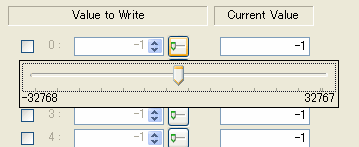
When editing values, click on the small Slider button and the popup Slider will display.
When the checkbox is marked for Invert and Clear, these operate to invert all settings at once and clear all settings at once.
CONFIDENTIAL