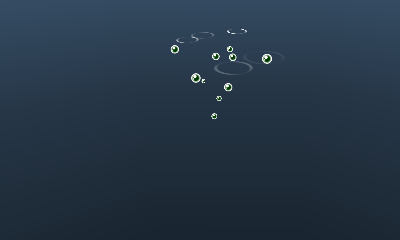
ParticleChangeVtxDemo
Overview
Example of changing particle information.
How to Use
- Demo-specific operations
- Common Operations
- Slide pad: Rotate the camera
- Slide pad + A Button: Move the camera back and forth
- Slide pad + B Button: Move the camera in parallel
- Slide pad + Y Button: Move the camera up and down
- X Button: Reset the camera position
- START Button: Restart the demo.
Description
Demonstrates methods of changing particle information.
- There is a distinction between vertex attributes used by the GPU and attributes only used by the CPU.
- There is also a distinction between parameters that have only one value at the ParticleSet level and streams that have values for each particle.
The update method to use differs depending on these factors.
Example when parameters are used by both the GPU and CPU
Changing the vertex color
Example when parameters are used by the CPU only
Changing the lifespan
Although LIFE influences the animation and particles yet to be born, it does not influence the lifespan of particles that already exist because NEG_TIMELIMIT is used to determine when existing particles are to be extinguished.
Animation may become strange depending on these differences.
If this becomes a problem, either revise NEG_TIMELIMIT or make it so LIFE is a stream.
Example when streams are used by both the GPU and CPU
Changing the position of particles
Example when streams are used by the CPU only
Changing velocity
CONFIDENTIAL