Texture List
Displays textures in list format.
The following properties are shown in the list columns.
For details about the various properties, see the section on the texture Property window.

- Status
- Displays the status of the Working color and comments attached to the texture.
The Working color is shown on the left, while the presence (or absence) of comments is indicated on the right.
If a comment has been attached, the mark will be lit.
- Texture
- The name of the texture.
- Bottleneck Hints
- Shows how many optimization tips there are.
- Image
- The color thumbnail image (left) and and alpha thumbnail image (right) of the texture.
- VRAM Size
- Shows the VRAM size of the texture.
- VRAM size ratio
- Shows the size ratio for the VRAM being used by the texture.
- Format
- The texture format.
- Width
- The texture width. In units of pixels.
- Height
- The texture height. In units of pixels.
- Mipmap
- The texture mipmap data. Indicates the number of mipmap levels.
- Mipmap minimum size
- Shows the minimum size for the mipmap
- Comments
- The comment attached to the texture.
Context Menu
When you right-click on the Texture List, a context menu displays with the following menu items:
Edit
- Select All
- Selects all objects.
- You can also select all objects using Ctrl+A.
- Toggle Selection
- If an object is selected, the focus switches to an un-selected object.
View Image Details
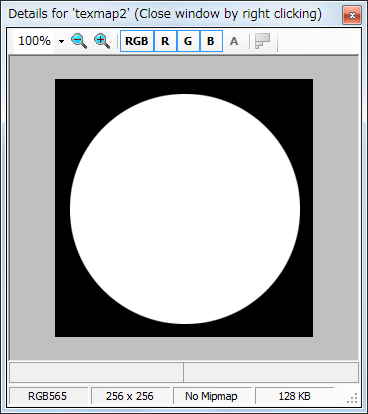
Detailed information about the selected texture is shown in the Image Details window.
Properties
This displays only when an object has been selected.
Selecting this menu item opens the corresponding Property window.
CONFIDENTIAL