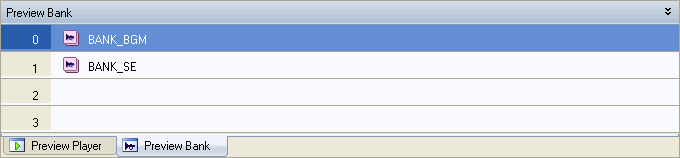
The Preview Bank pane is used to determine which banks should be used to play back MIDI signals received from a MIDI sequencer.
The banks that are registered in this pane (window) are used for MIDI playback.
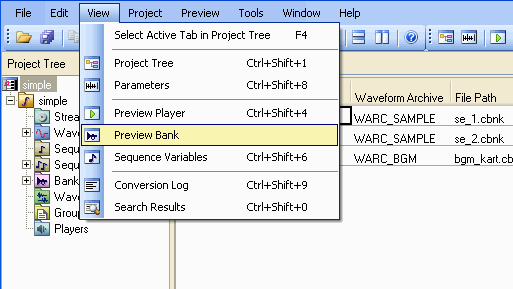
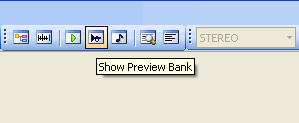
You can open (activate) the Preview Bank pane by selecting View > Preview Bank or by clicking the Display Preview Bank button in the toolbar.
The Preview Bank pane appears as a docking window in the lower pane of the main window.
To make the Preview Bank window float, dock, or hide, select Floating, Docking, or Hide in the Preview Bank tab at the bottom of the window or from the title bar's shortcut menu.
You can also toggle between Floating and Docking by double-clicking the title bar.
When displaying as a docking window, you can minimize its display by clicking the Minimize icon on the right side of the title bar or by double-clicking the splitter.
Below is an explanation of the ways that banks can be registered and replaced in the Preview Bank list.
If you register a bank from a Sequence Sound list, the bank associated with that sequence sound will be registered.
The slot numbers (0-3) in the Preview Bank pane correspond to the numbers 0-3 that appear within the Sequence Sound's Multibank Settings dialog box.
Items registered within the Preview Bank pane can be deleted in a few ways. After selecting the item in question, you can either select View →Delete or press the DELETE key (or use the keyboard shortcut Ctrl+D).
CONFIDENTIAL