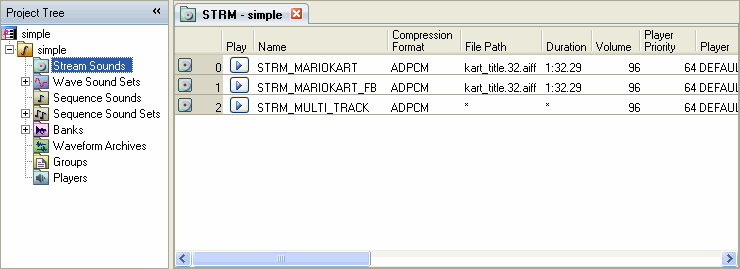
Stream sounds are created and edited from the Stream Sound List in the Sound Set tab.
Select the Stream Sound node in the project tree. The list that appears is called the Stream Sound list.
To create or add a stream sound, display the Stream Sound List, change the focus to the list region in the Sound Set tab, and select Project → Add Item → Stream Sounds....
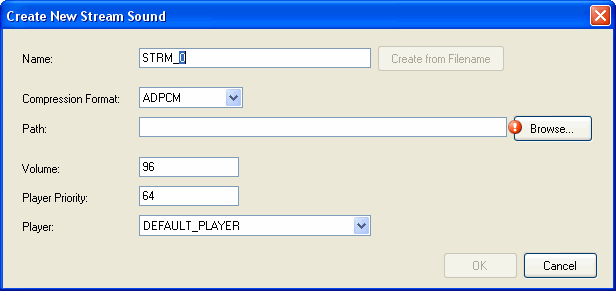
The Add New Stream Sound dialog box appears. Enter the required information.
If you specify a file in the path, the Create from filename button becomes active.
CONFIDENTIAL