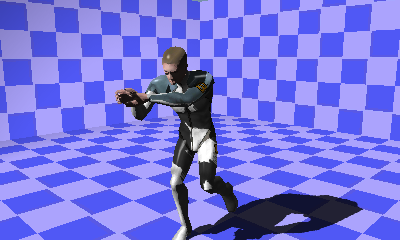
Demo for creating a depth map that saves distances from lights and then applying shadows using this information.
Demo for creating a depth map that saves distances from lights and then applying shadows using this information.
Unlike ProjectionShadowDemo, shadows can be cast on oneself.
This section describes points that differ from ProjectionShadowDemo.
With ProjectionShadow, nw::gfx::ResImageTexture is used as the offscreen buffer, whereas nw::gfx::res::ResShadowtexture is used with ShadowMap. This shadow map texture can set PerspectiveShadow and ShadowZBias at time of creation.
Set these values according to the DMPGL specification manual.
In the case of an ortho camera, PerspectiveShadow is usually false, because r value division is not performed.
When using a perspective or frustum camera for drawing shadows, set wScale to 1.0/Far.
This is due to the fact that the depth buffer range written into the shadow buffer is between 0 and 1.
Set FRAGMENT_OPERATION_MODE_SHADOW for shadow materials using SetFragmentOperationMode to enable writing to the shadow texture.
Always set the diffuse color of a shadow material to black (0.0f, 0.0f, 0.0f, 0.0f).
Set the shadow color using combiner settings. Examples are given below.
Combiner 0 output = (inverse of the shadow texture color * constant color)
Combiner 1 output = (Combiner 0 output * texture 1 or other texture)
Although essentially the same as ProjectionShadow, you must switch the MappingMethod of the TextureCoordinator when using ShadowMap. Set SetMappingMethod to nw::gfx::ResTextureCoordinator::MAPPINGMETHOD_SHADOW to change the texture matrix calculation method.
CONFIDENTIAL