| Friend | Friend Registration |
|---|---|
 |
 |
This document explains the graphic data for the Friend icons used in the CTR HOME menu and Friend Registration icons used in the Friend List.
The information presented here is primarily for designers.
Fig. 1-1 Friend Icon / Friend Registration Icon
| Friend | Friend Registration |
|---|---|
|
|
Use these icons for the following purposes.
Friend icon
・In applications as a button to display the Friend List
・In applications as a button to call up friend-related features
・As an icon indicating the online status of a friend
Friend Registration icon
・As a button to register a new friend
The Friend icon and Friend Registration icon data are provided in Illustrator (.ai) format. Convert the data to image file formats such as tga and bmp as needed for your use.
The data is stored in $CTR_SDK/resources/icon/FriendIcon.
The images cannot be modified. Do not add elements or alter the design.
Also be careful not to alter the aspect ratio when positioning the icons.
The basic color is orange ((R,G,B =230, 135, 60). You can make fine adjustments to get softer coloration.
In addition to orange, you can also use white, black, and gray. Do not use any other colors besides these.
There is no problem with adding a mask to the icon background for the purpose of increasing icon visibility.
There is no specification for the mask size, but be sure to fill the inside of the mask.
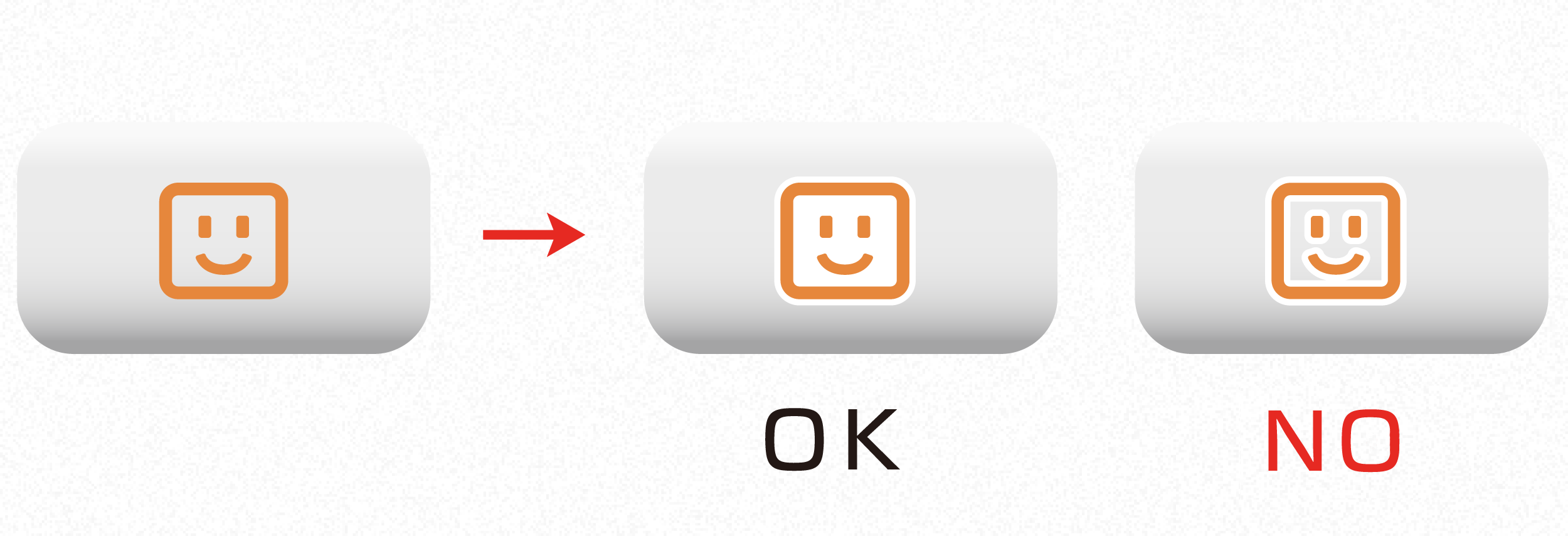
There is no problem using embossing for the purpose of increasing icon visibility.
But contact Nintendo if this makes the image different significantly.
CONFIDENTIAL